From anywhere
- A link. Paste any recipe page. foodoodle pulls out the ingredients and steps, and keeps the link so the original is a tap away.
- A video. Paste a YouTube link. When the description lists the ingredients, foodoodle picks them up.
- A scan. Photograph a cookbook page, a handwritten card or a screenshot. Two-page recipes work. You check what it read before it saves.
- Your own head. Write it down, or type a meal name and foodoodle writes the recipe for you to change.
- The public book. Add recipes other households made public in a tap.
On Android, once foodoodle is on your home screen, share a link to it from any app. On iPhone, copy the link and paste it in.
Find it in a second
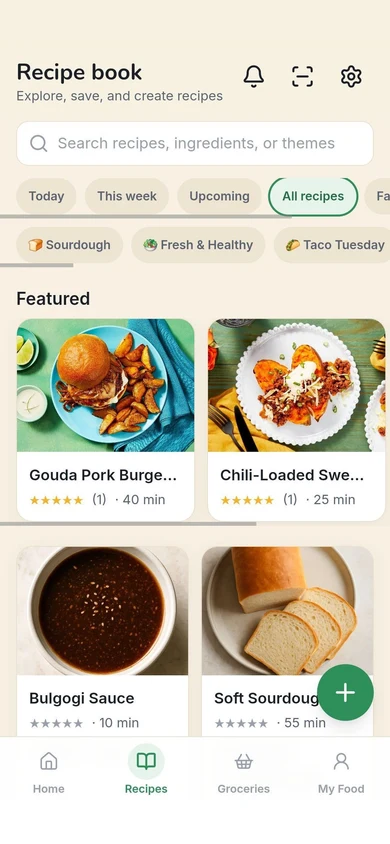
Search by recipe, ingredient or theme. Filter to this week, your favorites or your own. Each recipe keeps the household’s rating, notes, when it was last cooked and who liked it.
Scale any recipe to the number eating. A recipe that clashes with someone’s restriction says so, by name.
Plan from it
Put a recipe on the week and its ingredients go on the grocery list, scaled. Mark a dinner a favorite and it comes back in future ideas.
Shared or just yours
The book belongs to the household. Anyone can add to it, and a member’s recipe says who added it. A recipe saved Just for me stays in that person’s own space until they share it.